Praca Start

6 × Step

How to apply to Adecco on your own

Six steps. You enter all your details yourself — only on the official Adecco page or at an office. You don’t need to send us anything.

  1. 1

    Step 1/6

    Get everything ready

    Before applying, make sure you have:

    • a document that allows you to work in Poland (passport and proof of status / visa / residence card);
    • your phone number where you can be reached;
    • your email address.

    You will enter all your details yourself — only on the official Adecco website or at an office. You don’t need to send them to me.
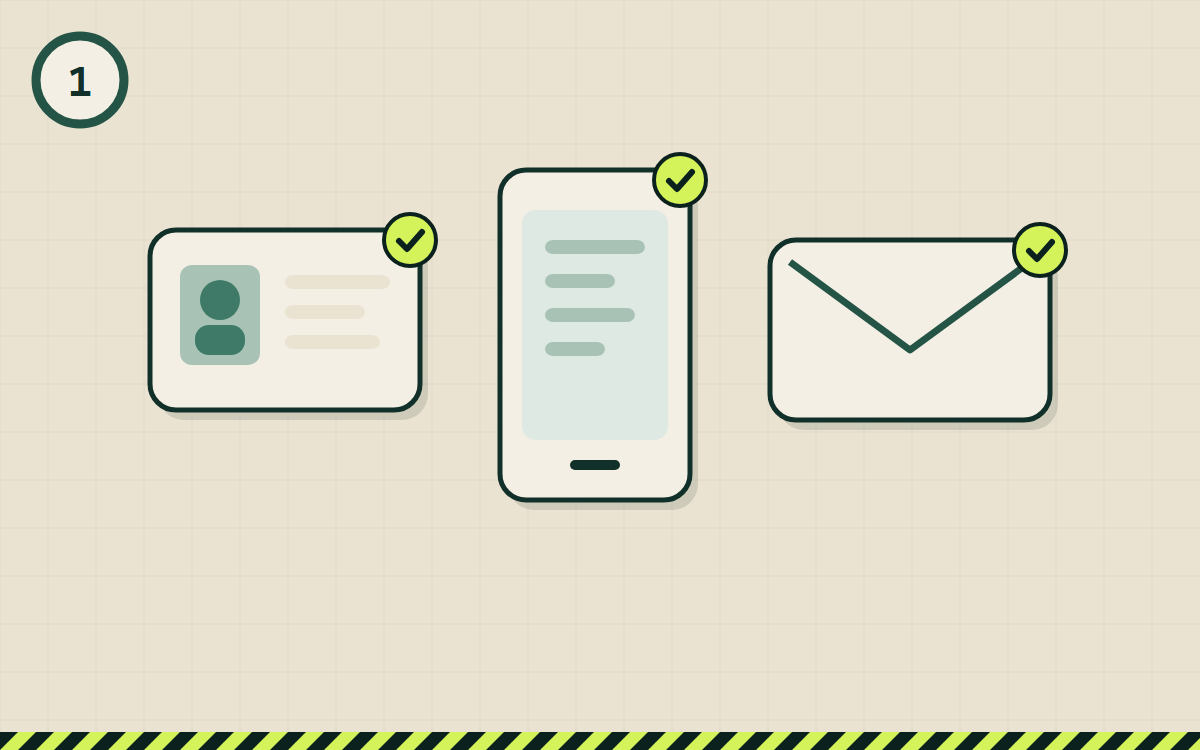
    Illustration of step 1
    😕 If you’re stuck+
    • Not sure whether your document is enough? Ask at an Adecco office or call the number on the official website — they will give you an exact answer.
    • Your document is about to expire? Ask Adecco whether you can apply and what you’ll need after renewing it.
    • No email? Create a free mailbox (e.g. Gmail) — you’ll need it for messages from Adecco.
    I’m stuck — open the bot
  2. 2

    Step 2/6

    Choose how to apply

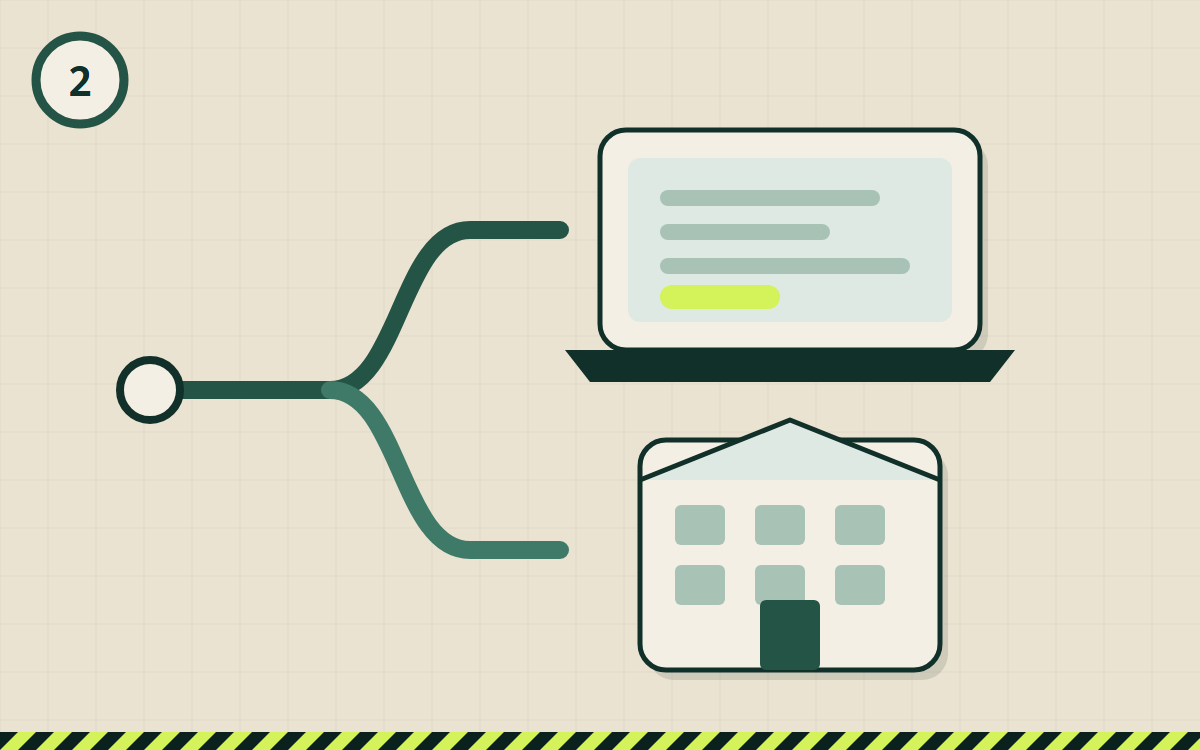
    There are two ways — both directly with Adecco:

    • the online form on the official website (button below);
    • in person at an Adecco office (addresses below).

    Check that the address in your browser really is the Adecco website.

    Adecco office · Wrocław

    Rynek 49, piętro 4, 50-116 Wrocław

    Pn–Pt 08:00–16:00

    Google Maps ↗

    Adecco recruitment

    +48 723 190 190
    Illustration of step 2
    😕 If you’re stuck+
    • The link doesn’t open? Try another browser, turn off your VPN, or open the link in a regular browser instead of inside Telegram.
    • Prefer to go in person? Visit the office during opening hours — bring your document.
    • No office in your city? Apply online — Adecco will tell you the options.
    I’m stuck — open the bot
  3. 3

    Step 3/6

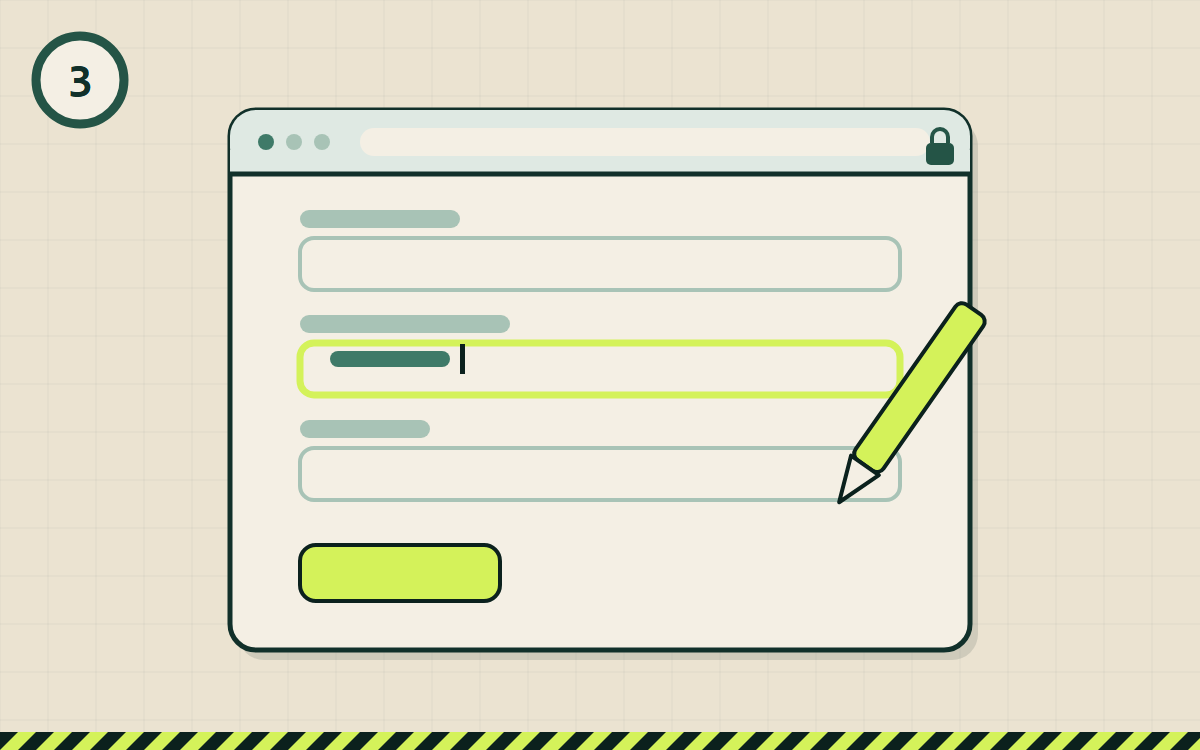
    Fill in the form yourself

    Fill in the form fields with your details. Enter them only on the official Adecco website — I never ask for your details, documents or photos.

    If the form asks for a city or warehouse — choose the one where you want to work.

    Illustration of step 3
    😕 If you’re stuck+
    • Not sure what to write in a field? Use your browser’s translator — or keep the question for the call with the recruiter.
    • The form shows an error? Check the phone and email format, refresh the page and try again.
    • Don’t want to apply online? You can apply in person at an Adecco office.
    I’m stuck — open the bot
  4. 4

    Step 4/6

    Important

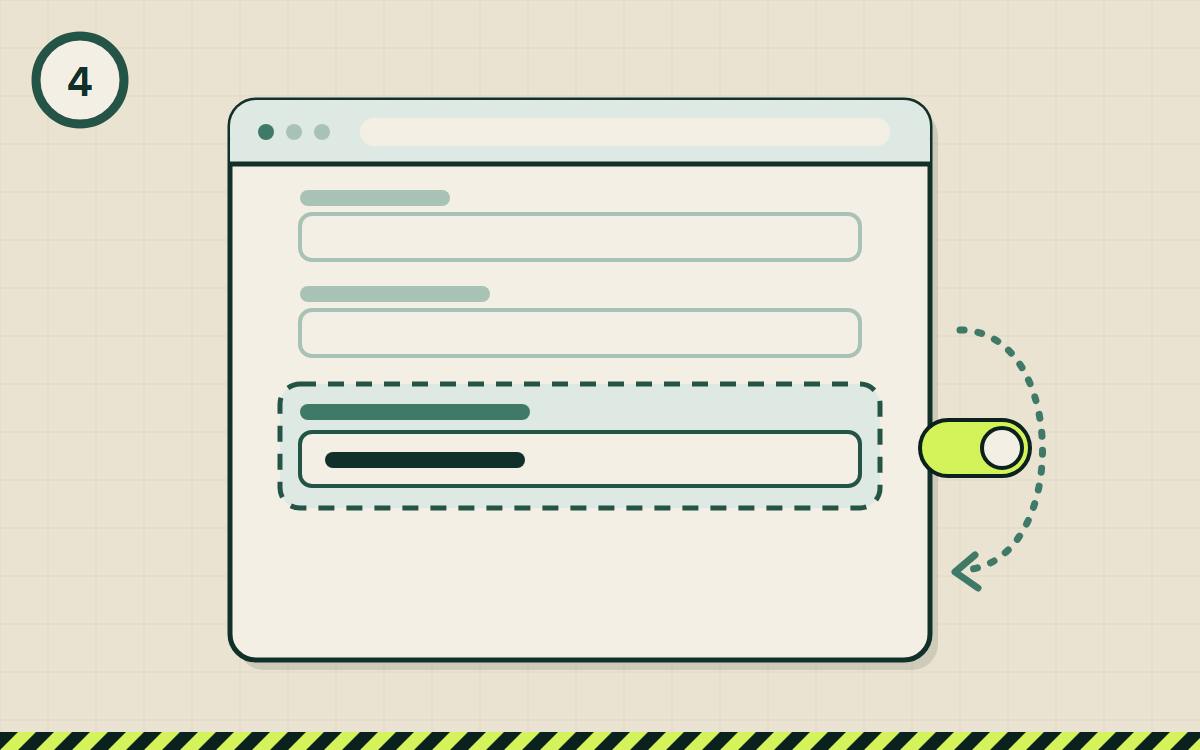
    Enter who referred you

    Find the referral field in the form (who referred you) and enter:

    • What exactly to enter — our Telegram bot shows it in step 4.

    🎁 This matters: under Adecco’s “Poleć znajomego” campaign, after 3 months of work you’ll receive 2500 zł gross — but only if the referrer is entered. Full terms are in the campaign rules at an Adecco office. It does not affect the hiring decision.

    Illustration of step 4
    😕 If you’re stuck+
    • Can’t find the field? Look for “polecenie”, “kto Cię polecił” or “skąd wiesz o ofercie”. If there isn’t one — tell the Adecco recruiter during the call who referred you (the text above), otherwise the bonus may not be credited.
    • Enter the text exactly as above — tap it in the bot to copy it in full.
    I’m stuck — open the bot
  5. 5

    Step 5/6

    Submit and wait to be contacted

    Submit the form. Adecco will then contact you — by phone or email.

    The hiring decision is made only by Adecco. Nobody can “arrange” it for you — be careful if someone promises that.

    Illustration of step 5
    😕 If you’re stuck+
    • No reply for a long time? Check your spam folder and call or visit the Adecco office — that’s perfectly normal.
    • Missed a call? Call the number back or contact the office.
    I’m stuck — open the bot

Application sent — what’s next?

Adecco will contact you next. The hiring decision is made by Adecco. While you wait — have a look at “First weeks” or turn on tips for newcomers in the bot.